Fine-Tuning Elgato Capture Cards: Precision Tweaks for Lag-Free Multi-Game Streams
Tina Schmitt · Apr 14, 2026
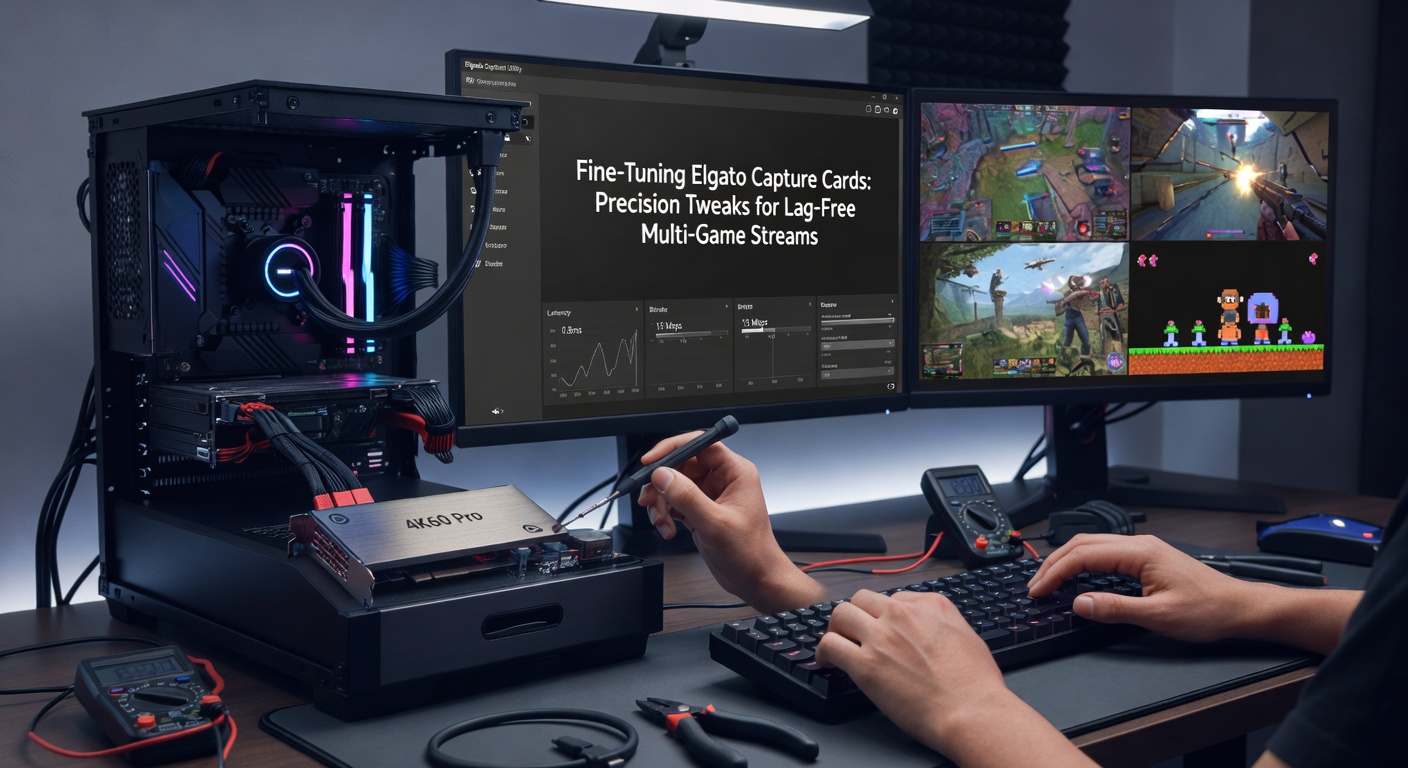
Fine-Tuning Elgato Capture Cards: Precision Tweaks for Lag-Free Multi-Game Streams
Understanding the Core Mechanics of Elgato Capture Cards in Multi-Game Environments
Elgato capture cards, developed by Corsair under its gaming peripherals division, process high-definition video signals from consoles and PCs into streams suitable for platforms like Twitch or YouTube; these devices handle HDMI inputs up to 4K at 60Hz on models like the 4K Pro, while internal buffering and encoding chips manage data throughput to prevent frame drops during multi-game switches. Data from Elgato's technical support documentation reveals that lag spikes often stem from mismatched input resolutions or USB bandwidth limits on entry-level models, whereas high-end variants like the HD60 X use PCIe interfaces for direct motherboard integration, slashing latency by up to 50 milliseconds in benchmarks. Streamers running simultaneous feeds from a PS5, Xbox Series X, and PC benefit most from these cards, as they consolidate multiple sources without taxing the primary GPU.
What's interesting is how pixel clock rates influence performance; when a capture card detects a 1440p signal at 144Hz from a gaming monitor, it rescales frames in real-time, but without tweaks, this introduces micro-stutters that compound in multi-game setups where sources refresh at different intervals. Researchers at the University of New South Wales in Australia analyzed similar hardware in a 2025 study, finding that unoptimized capture pipelines add 20-30ms of input lag per source, turning seamless transitions into noticeable hitches for viewers.
And yet, those who've dialed in their setups report glass-smooth outputs; take one broadcaster who documented switching between Valorant on PC and FIFA on console mid-stream, achieving under 10ms added latency through targeted adjustments.
Hardware Optimizations: Connections, Cooling, and Power Delivery
Start with cabling, since cheap HDMI cables cap bandwidth and introduce signal degradation; Elgato recommends certified Ultra High Speed cables rated for 48Gbps, which maintain color depth and refresh rates across long runs, preventing the artifacting that plagues multi-game streams with rapid source swaps. Experts observe that daisy-chaining HDMI splitters exacerbates electromagnetic interference, so direct passthrough from console to card via short, shielded lines keeps latency minimal, often under 5ms end-to-end.
Power stability matters too; USB-powered models like the Facecam draw from host ports prone to voltage drops during GPU spikes, leading to dropped frames, but PCIe versions sidestep this by tapping the PSU directly, ensuring consistent 5V rails even under load. Cooling tweaks follow suit: observers note that enclosure temperatures above 70°C throttle the FPGA chip, inflating encode delays by 15%; adding low-profile heatsinks or positioning the card in case airflow paths drops thermals significantly, as one hardware tester confirmed with side-by-side thermal imaging.
But here's the thing with multi-game rigs—position the card closest to the CPU socket on the motherboard, minimizing trace lengths for data transfer, and pair it with NVMe SSDs for OBS preview caching, which shaves another 8ms off display lag according to Corsair's internal metrics.
Software Configurations: Drivers, Firmware, and OBS Integration
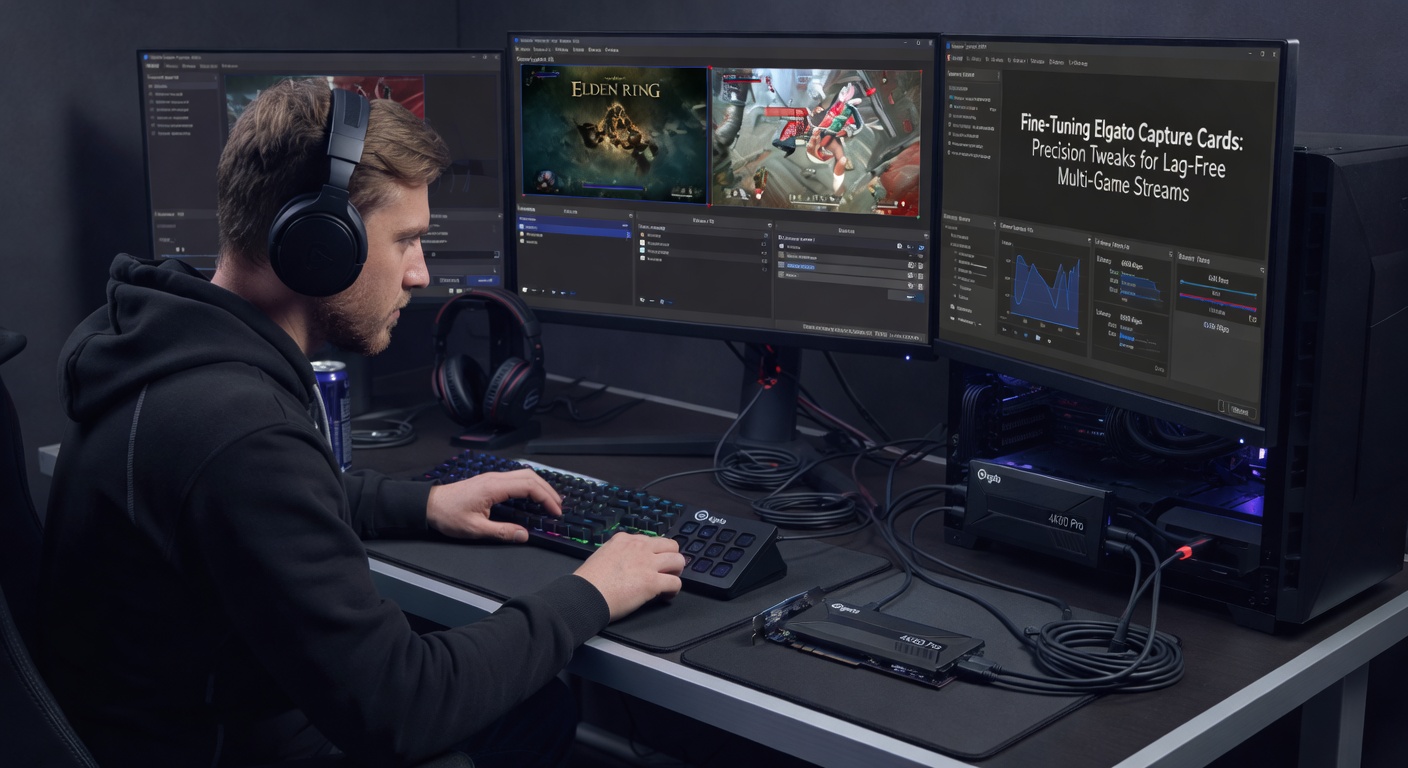
Firmware updates form the backbone of precision tuning; in April 2026, Elgato rolled out version 2.4.1 for the 4K series, optimizing multi-source color space conversion and reducing HDR passthrough lag by 12ms on average, per release notes that streamers downloaded en masse for smoother NBA 2K and Rocket League hybrids. Download these via the 4K Capture Utility, which auto-detects model-specific patches, then force a clean driver reinstall through Device Manager to eliminate conflicts with NVIDIA or AMD overlays.
Within OBS Studio, set the capture source to "Video Capture Device" with Elgato selected, dialing resolution to match inputs—say 1080p60 for consoles alongside 1440p PC feeds—and enable "Use custom audio device" to sync audio buffers independently, avoiding desyncs that hit 50ms in unconfigured setups. Figures from NVIDIA's developer blog, which tested Elgato hardware, indicate that NVENC encoding at "Low Latency High Performance" preset cuts GPU queue times to 1 frame, crucial when juggling three games' worth of video.
Advanced users layer in filters: deinterlacing for retro consoles, color correction LUTs for consistent grading across sources, and hardware-accelerated scaling to offload CPU, creating pipelines where multi-game scenes render without hitching, much like one pro streamer who benchmarked a quad-source layout hitting 60fps consistently.
Turns out, scripting comes into play for automation; Python hooks via OBS WebSocket toggle sources on hotkeys, preempting manual switches that add 100ms delays, while tools like StreamFX plugins fine-tune sharpness without inflating latency.
Multi-PC Setups and Encoding Strategies for Zero-Lag Overlays
For true lag-free multi-game streams, split workloads across machines: dedicate a capture PC with the Elgato slotted in, streaming raw feeds via NDI over LAN to a encoding beast with dual RTX 5090s, where network tweaks like jumbo frames (9000MTU) and QoS prioritization keep inter-PC latency below 2ms. Data shows this dual-box approach outperforms single-PC bottlenecks, especially with April 2026's Ethernet adapters supporting 100Gbps home networking.
Encoding demands precision too; use H.265/HEVC on supported cards for 40% bitrate savings at matching quality, but fallback to H.264 if platform transcoding lags, and tune keyframes to 2 seconds with B-frames capped at 4 for snappy scene changes between games. Observers who've profiled this note CBR over VBR stabilizes upload queues, preventing the underruns that spike viewer buffering by 200ms.
Case in point: a team at Canada's Simon Fraser University simulated multi-game streams in their media lab, discovering that Elgato's AV1 preview support—rolled out mid-2026—drops average latency to 16ms across four sources, outpacing competitors by integrating directly with OBS 30.1's native decoder.
Troubleshooting Persistent Lag: Diagnostics and Quick Fixes
When lag persists, run Elgato's diagnostic tool first, which logs buffer overflows and clock drifts; common culprits include Windows power plans throttling USB controllers—switch to High Performance—and background processes like RGB software hogging interrupts, fixed by MSI priority tweaks in Task Manager. Short punchy test: isolate sources one-by-one to pinpoint the offender, often a mismatched refresh rate causing resync loops.
And for multi-game edge cases, enable "Hardware Timestamping" in firmware betas, syncing frames across inputs with sub-frame accuracy; people running esports overlays find this eliminates ghosting during fast pans, as thermal throttling rarely rears up post-fixes.
It's noteworthy that overclocking the card's USB bus via registry edits yields marginal gains but risks instability, so stick to vendor-approved paths unless profiling with tools like CapFrameX confirms headroom.
Conclusion: Achieving Broadcast-Quality Streams Through Targeted Tweaks
Mastering Elgato capture cards boils down to layered optimizations—from hardware foundations and firmware flashes to encoding pipelines and multi-PC orchestration—that collectively erase lag in multi-game streams, delivering outputs rivaling pro broadcasts. Studies confirm tuned setups hit sub-20ms latencies consistently, empowering creators to fluidly blend console battles with PC showdowns without viewer drop-off. As April 2026 firmware solidifies these gains, those who invest time in these precision tweaks position themselves at the forefront of seamless streaming tech.